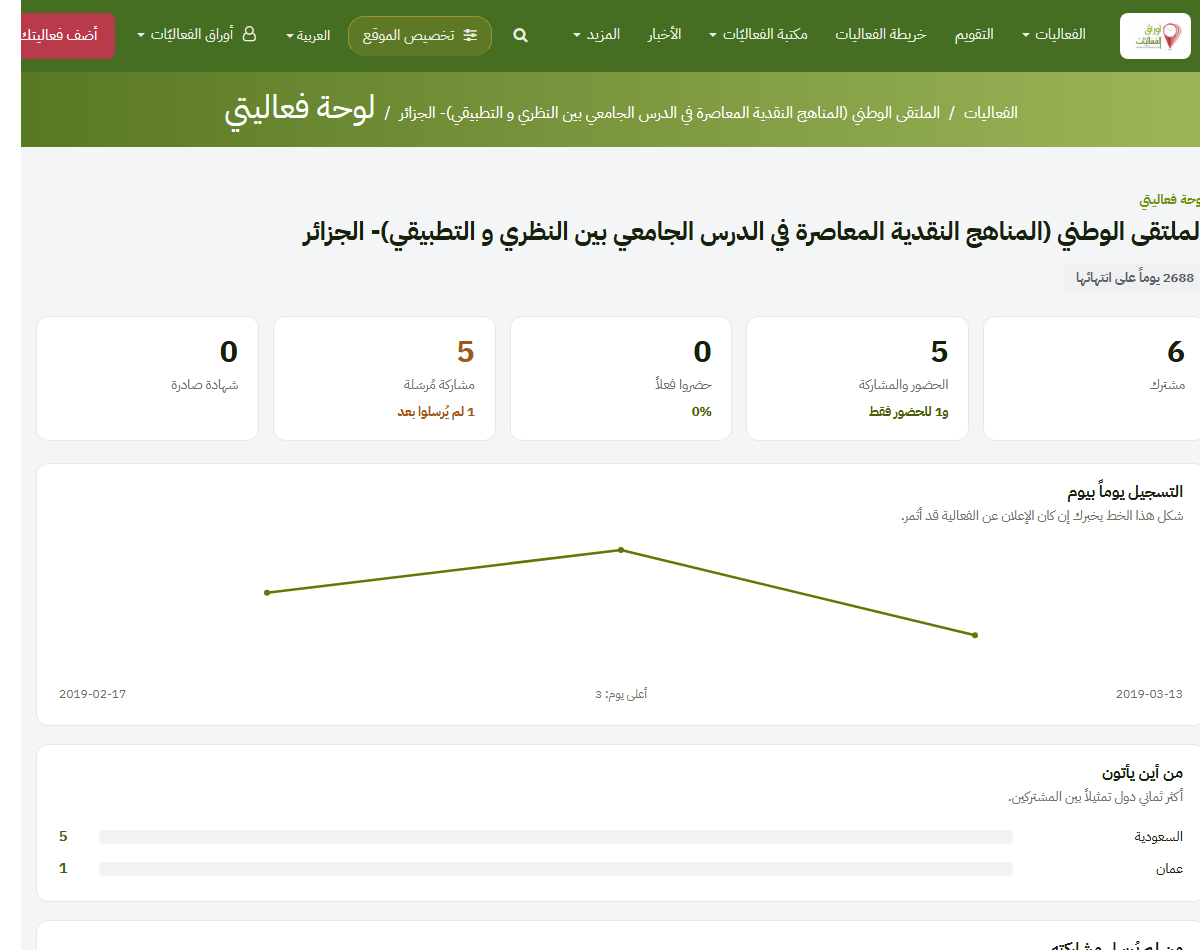
From account to certificates: your event's whole journey on the platform, step by step, each pointing at its real screen. A (?) beside major form fields explains each on hover.
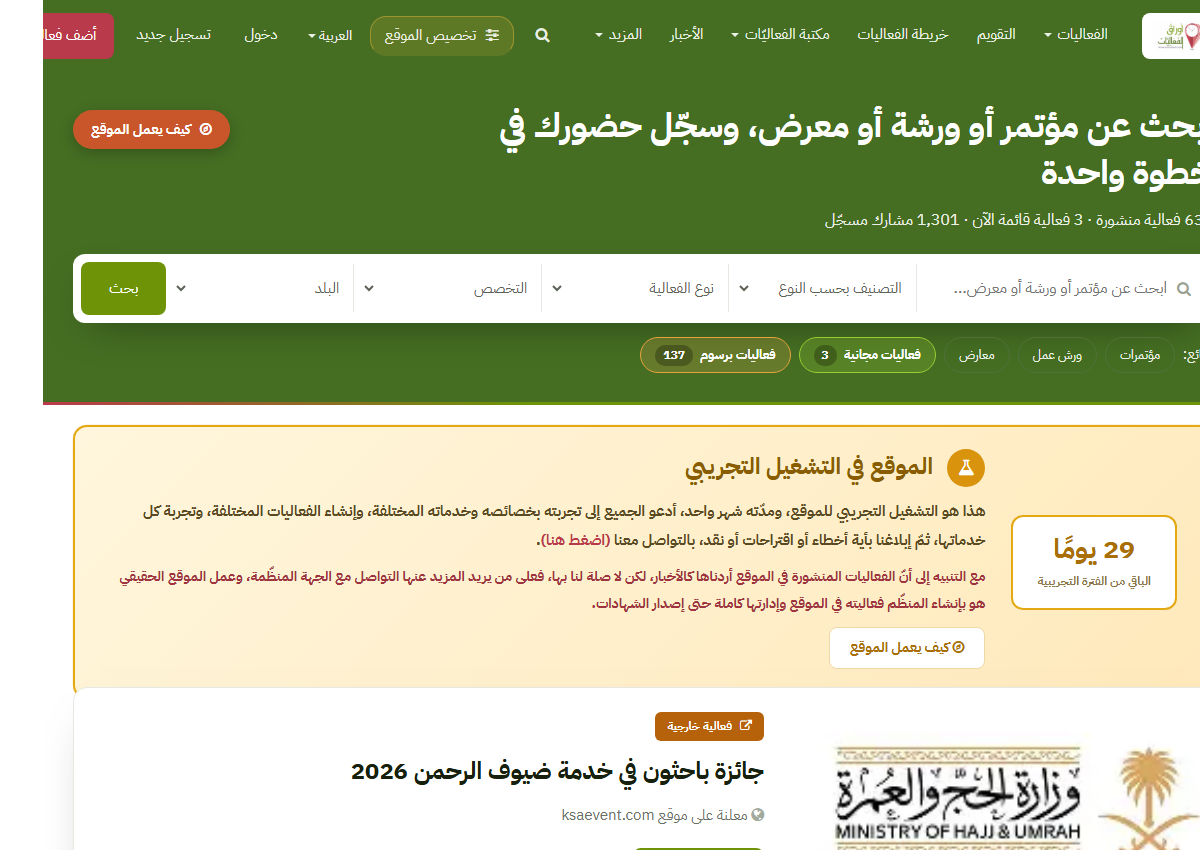
Register from the header, then pick your specialities in «Personalise the site». Your account owns your events and manages everything about them.
Personalise the site ←From «Add your event» the form opens: name, type (by size or by kind), speciality, dates (year-only for awards), organising bodies with logos, the venue with one map click, description and attachments. A (?) beside each major field explains it on hover. Not finished? choose «not complete yet» and it saves as a draft.
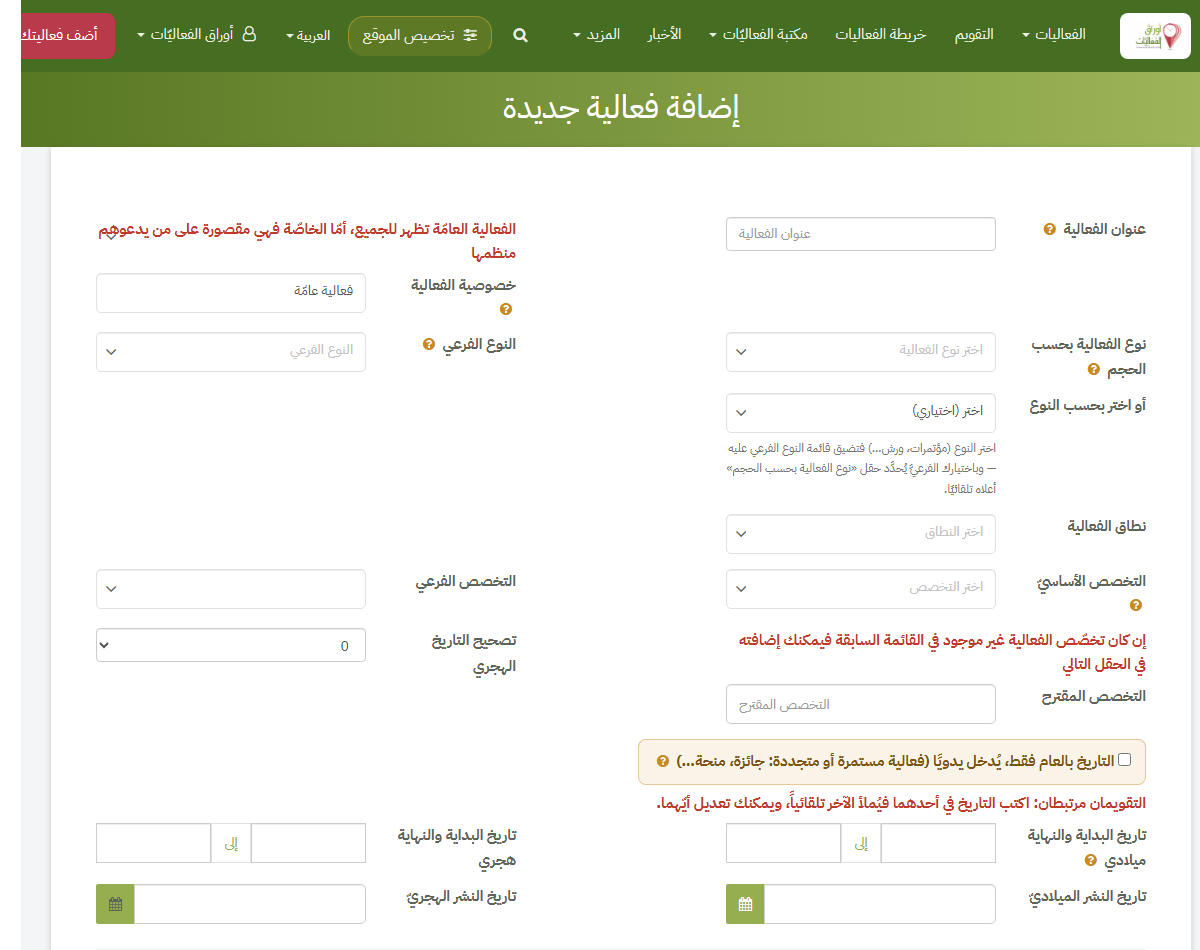 The event form ←
A new event awaits the site's review, then publishes: a permanent, search-indexed page, appearing in listings, calendar and map, and reaching members who chose its speciality.
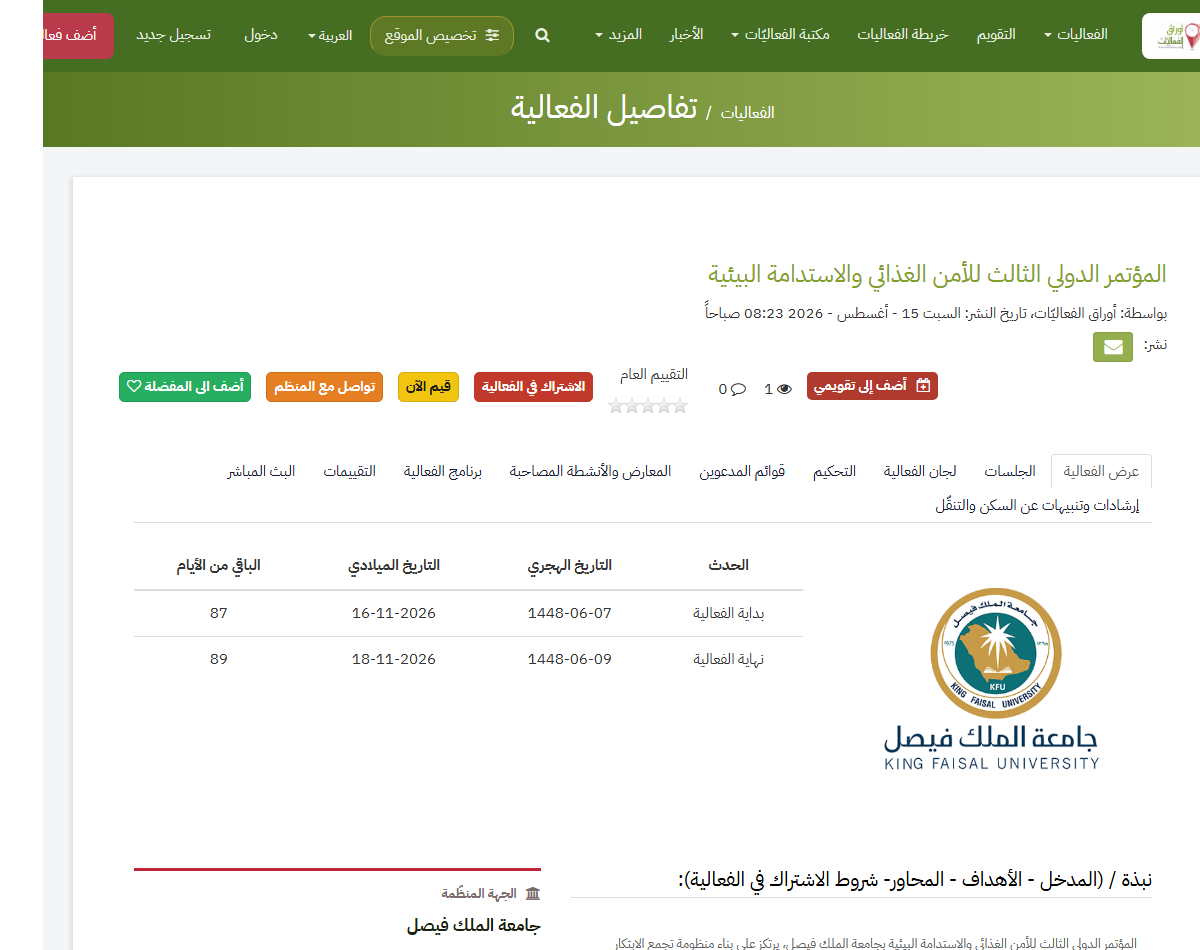
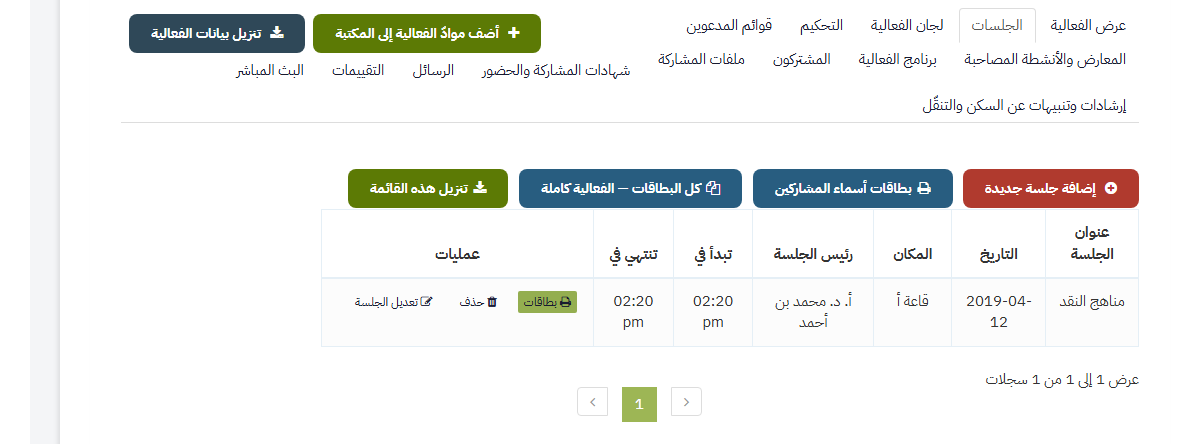
From your event page you manage its tabs: sessions and speakers (a speaker need not be a member), committees, the programme, exhibitions — all printable as table tents, badges and session boards.
Visitors register on the page — attendance or participation; participants upload abstracts and papers by their deadlines (shown on the open-calls page, with automatic reminders). Papers go to arbitrators via private links, and verdicts reach their authors.
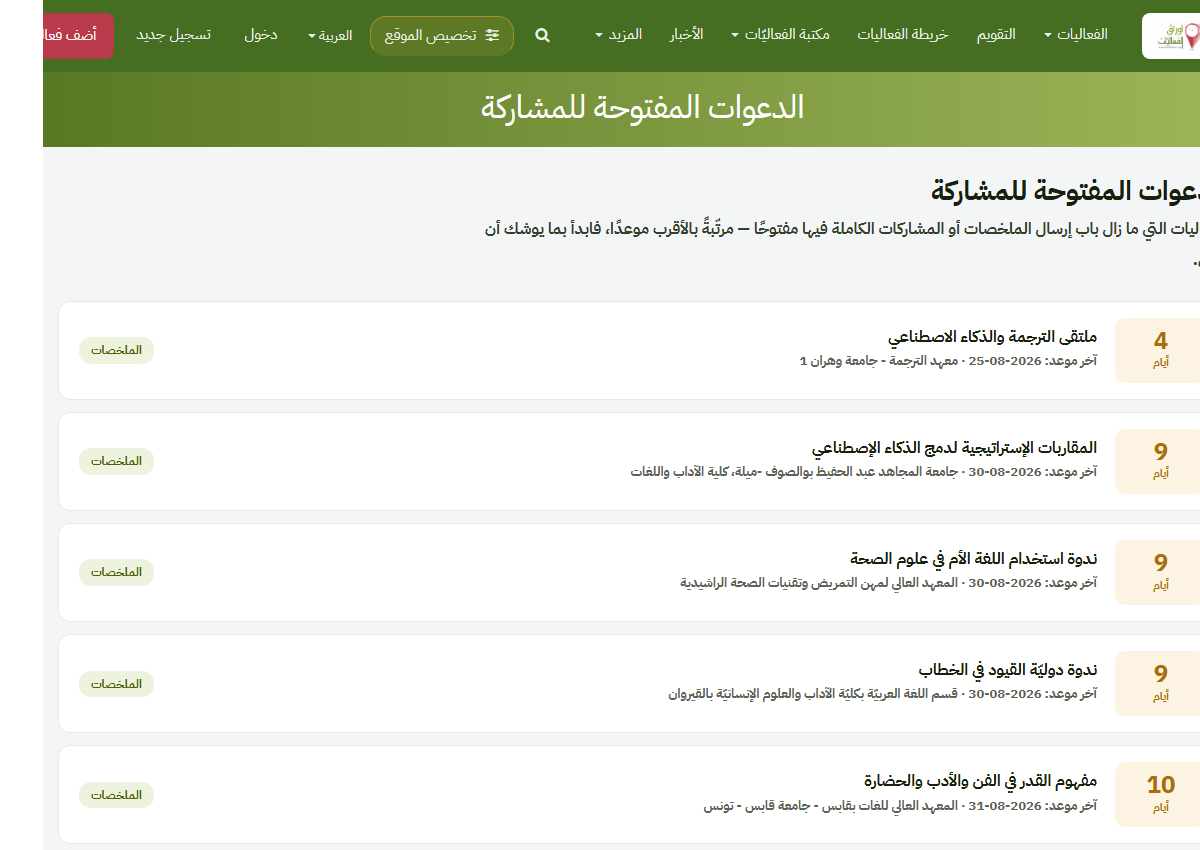 Open calls ←
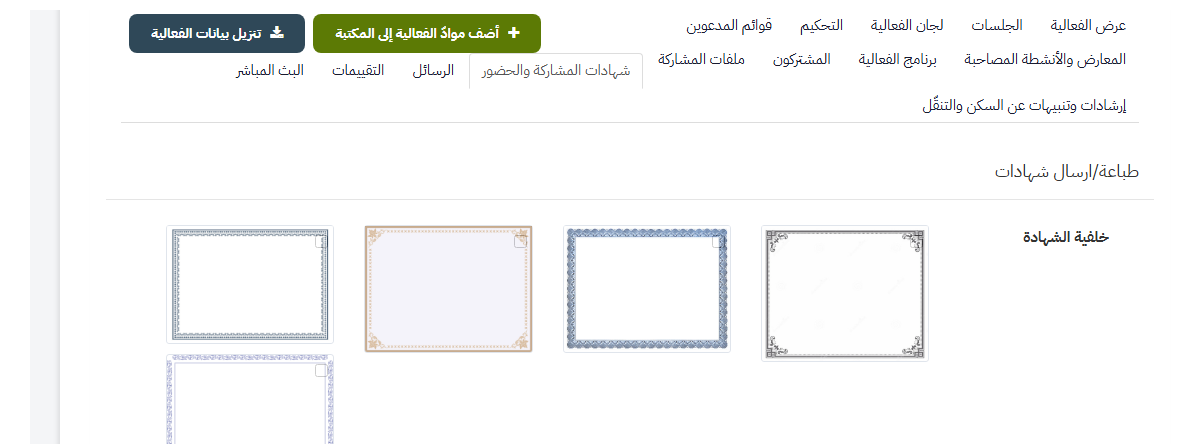
From the «certificates» tab: pick a background, name up to three certifiers (each with signature and stamp, movable), tune wording and sizes, Preview before saving — then Send issues a PDF per registrant, emailed in one batch. Print downloads them to you in four forms: one combined PDF, or a single image per registrant in a zip — each in colour or greyscale for ordinary printers. Every certificate carries a verification code.
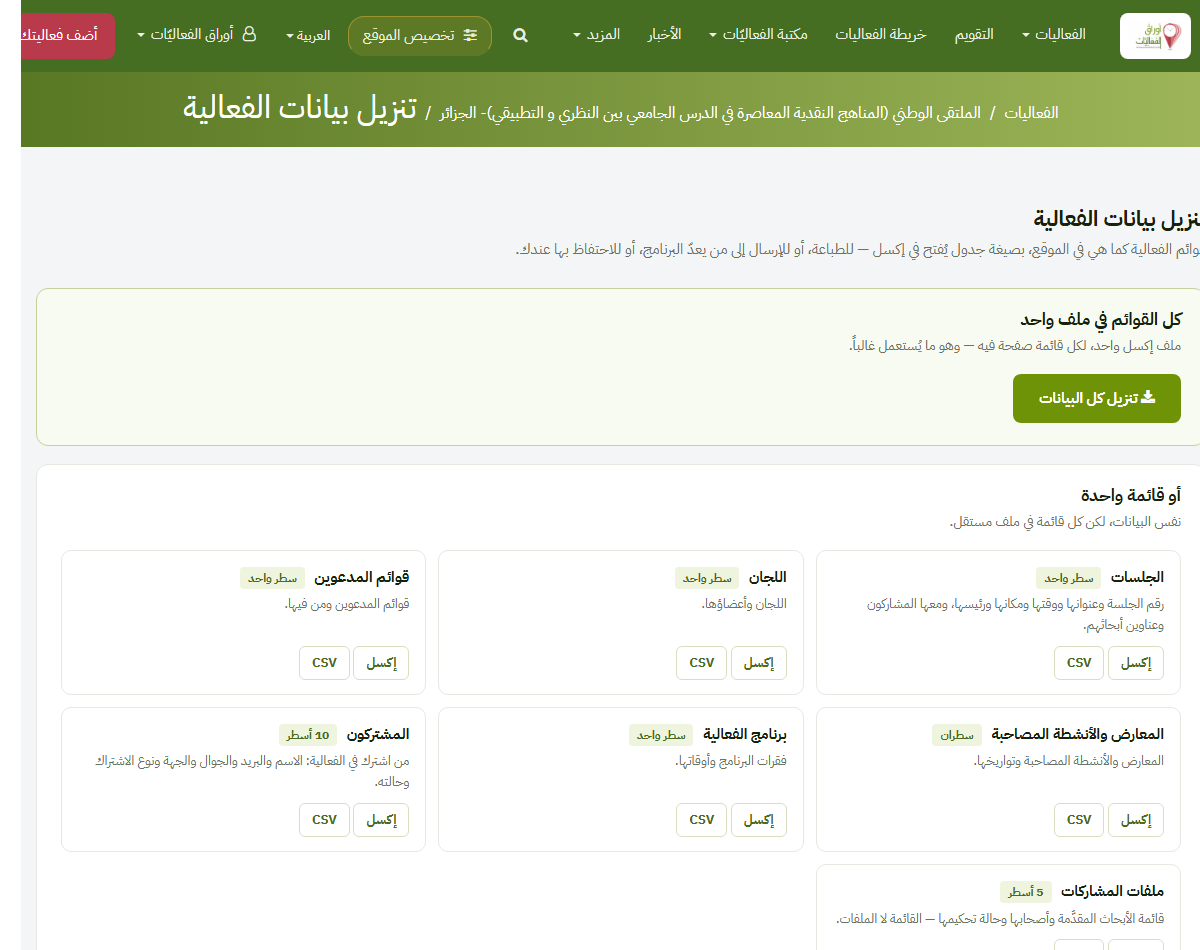
«Download event data» gives every list in two forms: Excel — the office standard, opening formatted — or CSV for any software to read; and the submissions as a zip. The same page holds the ready letters: guest-of-honour, sponsorship, hotel/airline rates, thanks, and a visa invitation letter — all in your organisation's name.
The event dashboard shows its numbers; comments and messages reach your inboxes. Afterwards, add its publishable materials to the library with one button — a permanent reference under your event's name.